
No sound in the recording
Audicap records two sources: your microphone (your voice) and system audio (the other side from Zoom, Teams, Meet or the browser). If one side is missing, it is almost always one of these two sources.
Check step by step
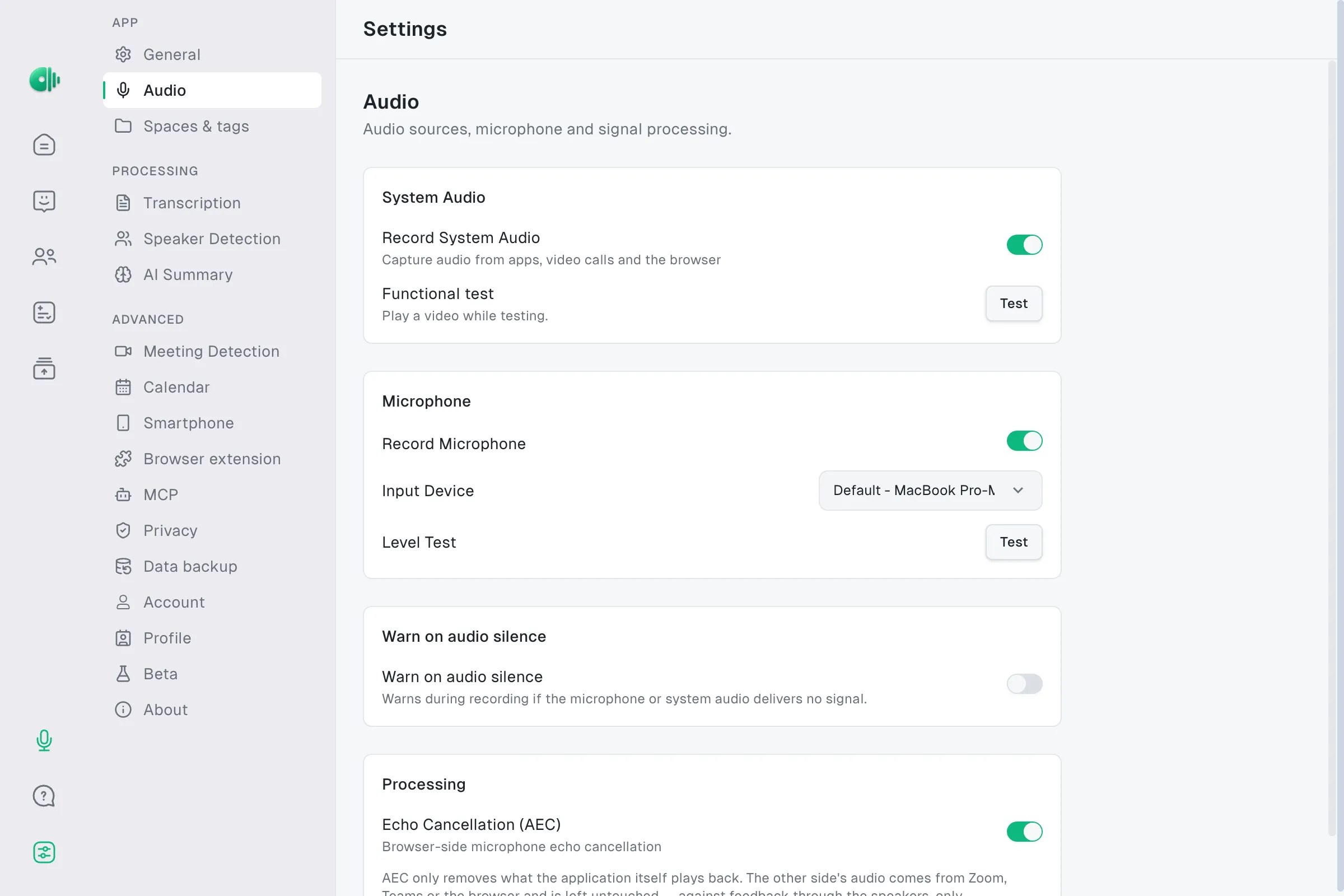
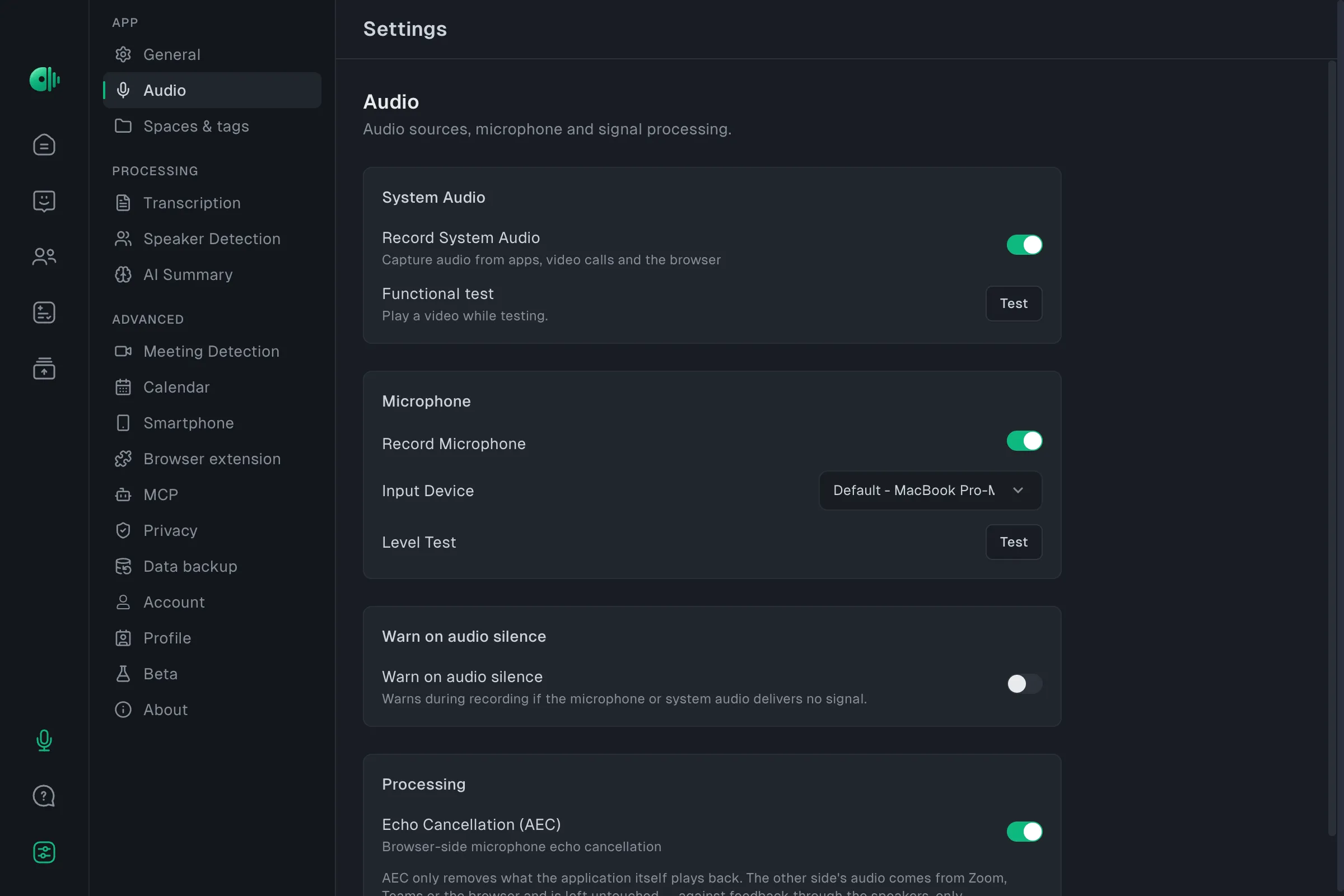
Section titled “Check step by step”- Open Settings → Audio.
- Are Record System Audio and Record Microphone switched on? Both are on by default.
- Microphone: under Input Device, choose the microphone you actually use and click Test next to Level Test. Say something; the bar has to move.
- System audio (Mac): play a video and click Test next to Functional test. Audicap tells
you whether sound arrives:
- “System audio works …”: all fine.
- “Tap is running but only silence arrives”: nothing was playing, or the sound goes to a device that outputs nothing.
- “System Audio permission missing”: continue with the next section.
Permissions on macOS
Section titled “Permissions on macOS”If a permission is missing, Audicap shows a notice at the top, for example “Recording unavailable: Audicap is missing the “System Audio” permission” or “Microphone access is denied”.
- Click Allow or Open Settings in the notice. Audicap opens the right page of macOS System Settings.
- Allow Audicap access there.
- After you allow system audio, Audicap asks for a restart. Click Restart in the notice before you record.
More in Permissions on macOS.
Notices during and after recording
Section titled “Notices during and after recording”- Warn on audio silence (Settings → Audio, off by default): Audicap warns during recording when the microphone or system audio delivers no signal. Sensitivity sets how quickly (45, 90 or 180 seconds).
- After a recording without signal, Audicap reports “Recording has no signal” with the affected track. The recording then shows a yellow warning triangle in the list.
Doubled sound or echo
Section titled “Doubled sound or echo”If you hear the others twice in the recording, your microphone picked up your speakers. Audicap then reports “Speaker feedback detected”. Headphones make the doubling disappear. Echo Cancellation only removes what Audicap itself plays back.
Nothing helped?
Section titled “Nothing helped?”Contact us via Support in the app and tick Attach debug info. The package contains logs and technical settings, but no audio and no transcripts.