
Create summaries with templates
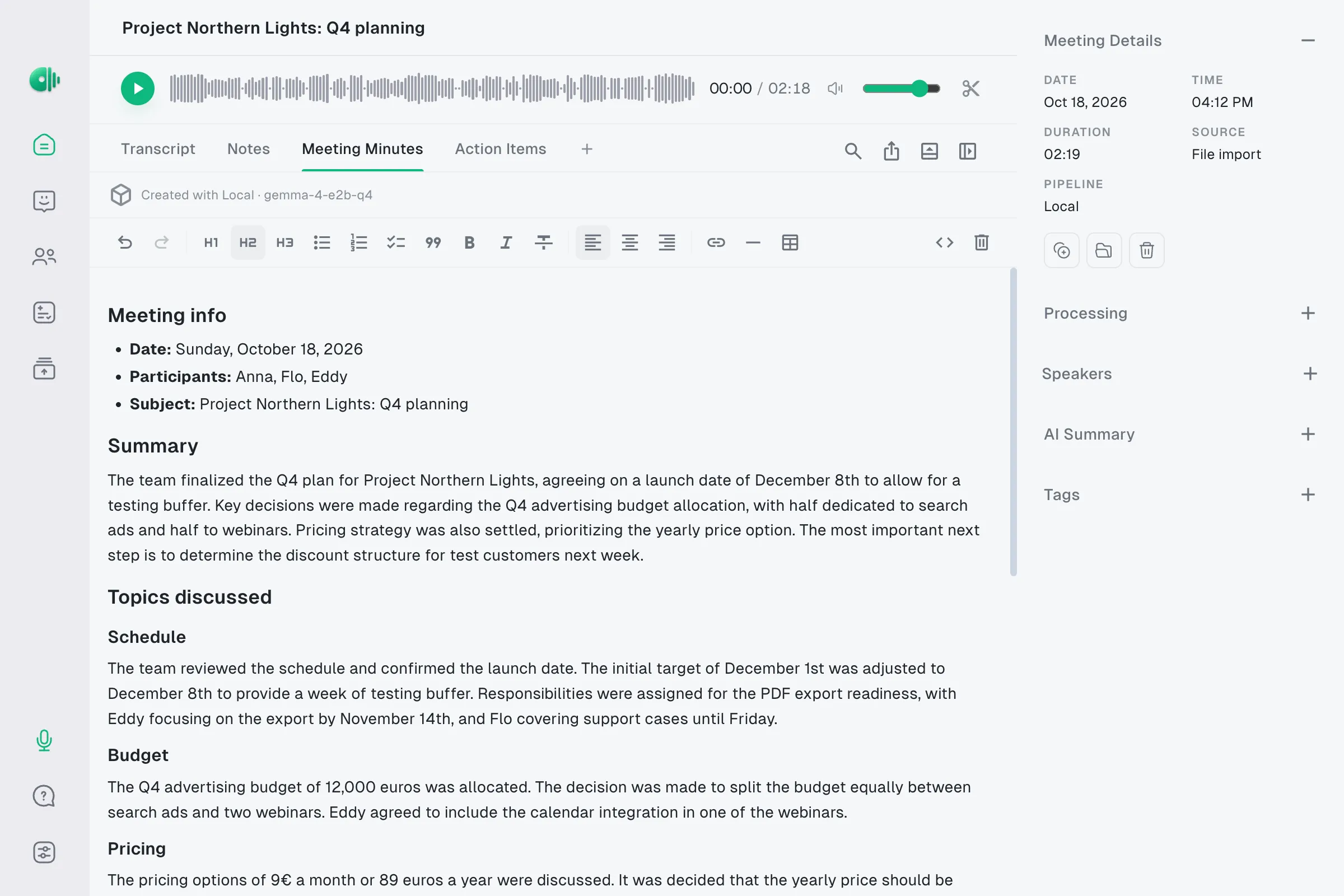
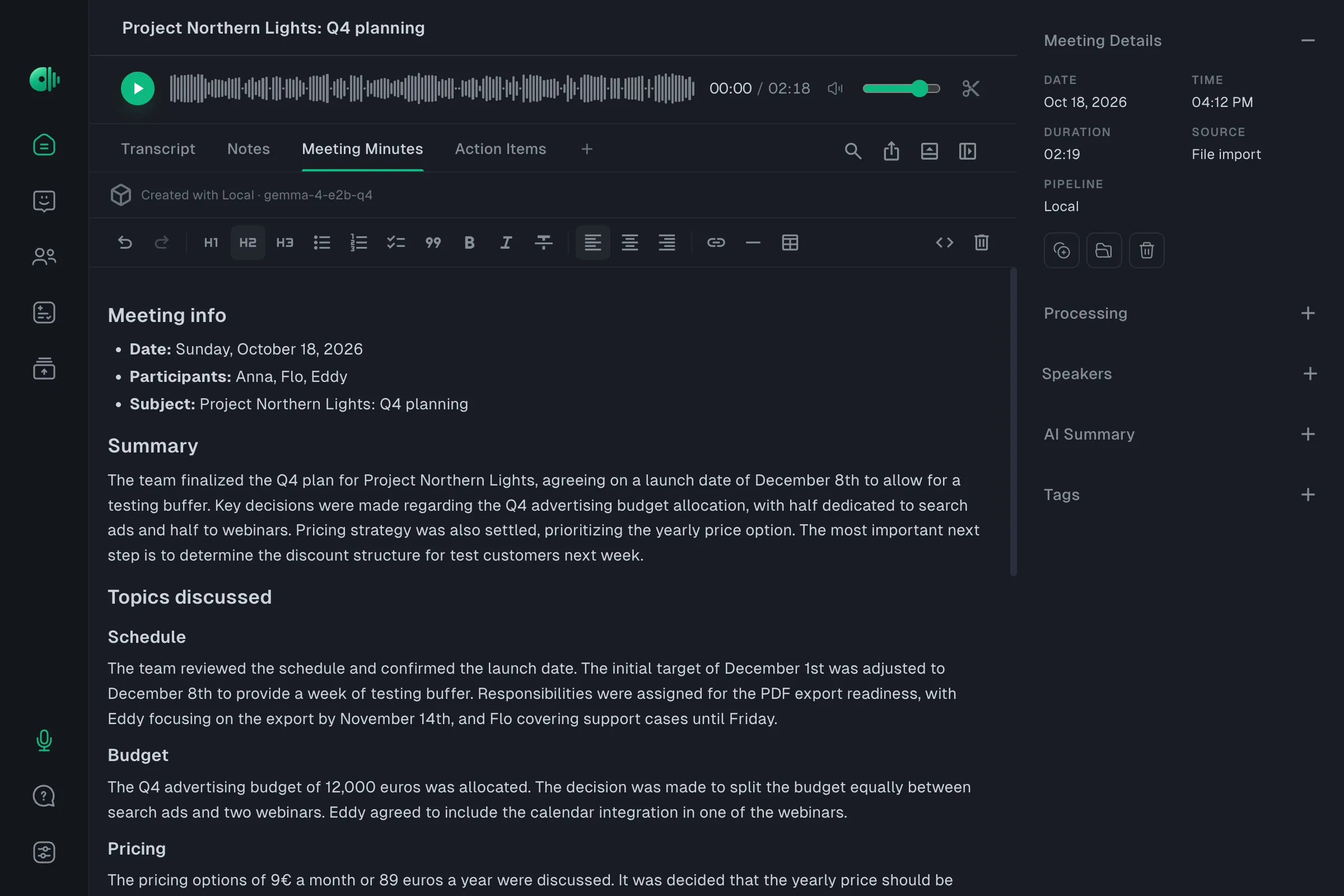
A template defines what the AI makes of the transcript: minutes, a task list, a brief summary. You can choose several templates at once; each one gets its own tab.
How it works
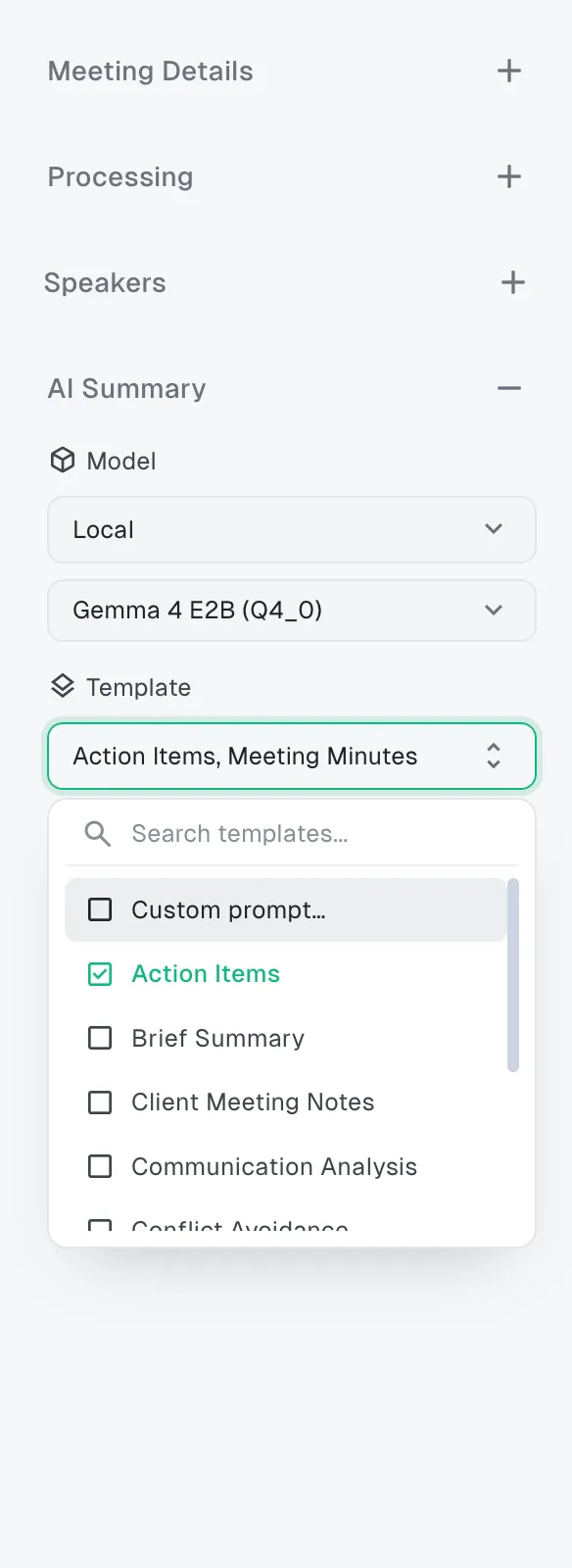
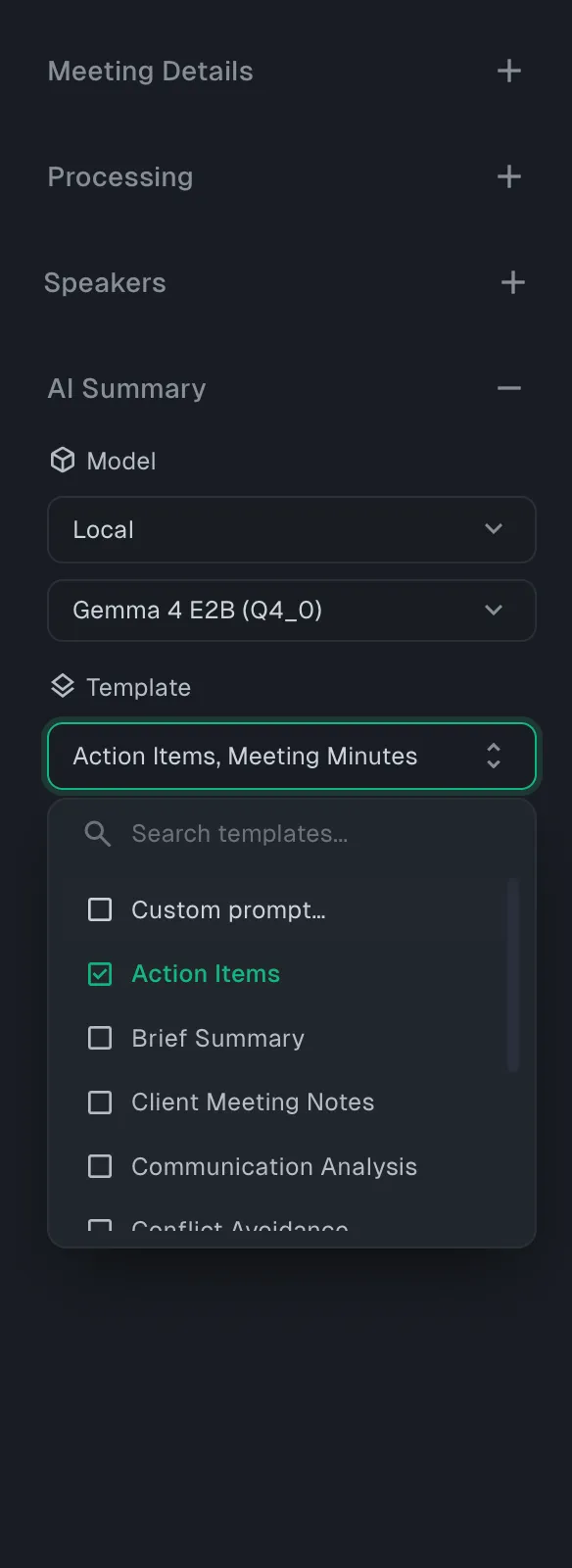
Section titled “How it works”- Open a recording with a transcript and expand AI Summary on the right. Alternatively, click + (Create summary) next to the tabs at the top.
- Under Model, check the provider and the model.
- Click Template and tick every template you need. The search at the top filters by name.
- If needed, choose a different Summary language.
- Click Start Summarization.
If Use Notes as context is ticked, the AI also takes your notes on the recording into account.
Included templates
Section titled “Included templates”| Template | Description in the app |
|---|---|
| Meeting Minutes | Standard minutes for meetings |
| Action Items | Extracts every task and commitment as a table |
| Brief Summary | 2 to 3 sentences of prose on decisions and the next step |
| Detailed Minutes | Chronological minutes with discussion, decisions and action items |
| Client Meeting Notes | Internal notes for client calls with requirements and commitments |
| Communication Analysis | Analyses speaking time, questions, style and dynamics |
| Conflict Avoidance | Looks for hedging, indirectness and hollow commitment |
| Meeting Efficiency | Rates structure, outcomes and participant efficiency with a score |
| Sentiment Analysis | Analyses overall mood, its arc and psychological safety |
You create your own templates on the Recipes page, see Create your own templates.
Good to know
Section titled “Good to know”- At the same time or one after the other: cloud providers process all templates at the same time. Local models, Ollama and an OpenAI-compatible server on this computer take one after the other; waiting templates show “Waits for the previous template to finish”.
- Editing: you edit the summary directly in its tab; it saves by itself.
- Rename, move, delete: right-click the tab. Double-click also renames it.
- Sharing: Share copies the summary as Markdown or text, or saves it as a PDF, Markdown or text file.
- Running again: if the same template runs again, a new tab with “v2” in its name appears.
- Automatically: under Settings → AI Summary, Summarize transcripts automatically summarizes every finished recording with the Default templates. It is off by default.